From Blank Page to Hired in Minutes
Select Template
150+ ATS Certified Layouts
Fill Details & Skills
Interactive Real-Time Preview
Optimize with AI
Automated Bullet Rewrites & Scoring
Export PDF / DOCX
Instant Download & Share Link
Choose a Template
Browse 150+ professionally designed templates. Filter by industry, style, or ATS compatibility. Each template is live-rendered — what you see is exactly what you get.
- Single-column, two-column, sidebar, and executive layouts
- 10 color themes per layout — 150+ total combinations
- ATS-friendly badge shows which templates pass automated screening
- Free and premium options — free tier unlocks most designs
Fill In Your Details
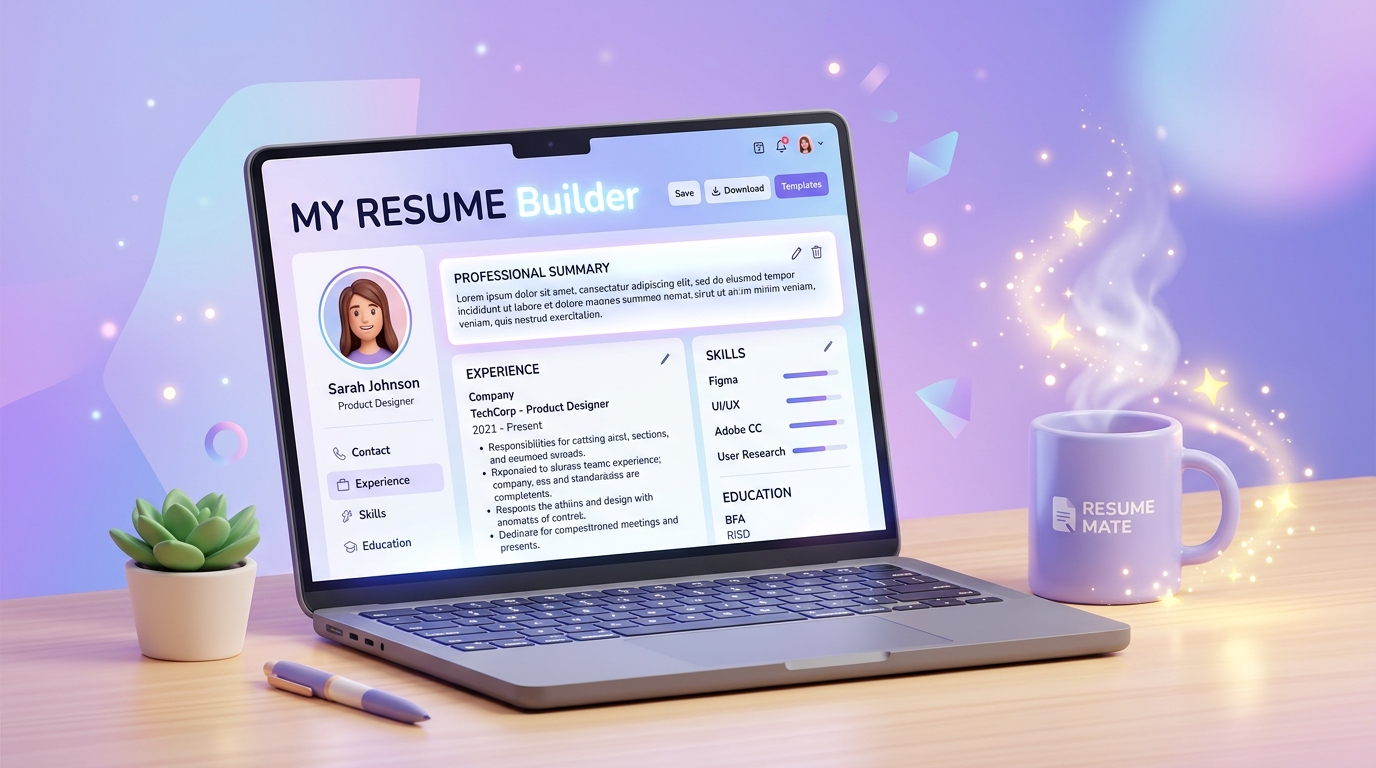
Edit every section directly in the live editor. See your changes reflected instantly in the preview on the right. Reorder sections, toggle visibility, and customize colors and fonts.
- Sections: Personal, Summary, Experience, Education, Skills, Projects, Certifications
- Drag sections to reorder them — layout updates live
- Auto-save every 30 seconds — never lose your work
- Undo/redo for all changes in real-time
Optimise with AI
Click the AI button under any text field to get an instant, context-aware improvement suggestion. The AI matches the tone of your selected template and the role you're targeting.
- Field-level rewrites — only the field you clicked, nothing else
- Review the before/after comparison before accepting
- Edit the suggestion before applying it to your resume
- Free plan includes AI assists every month
Export & Apply
Download your resume as a high-quality PDF in one click. Your resume is formatted at true A4 print size with perfect typography — ready to attach to any job application.
- PDF export — ATS-compatible, print-ready output
- DOCX export for editable flexibility and Word compatibility
- Resumes saved securely to your account — access from any device
- Share a public link or keep your document private
Frequently Asked Questions
Everything you need to know about our resume builder process.
No! You can start editing and previewing any template immediately without creating an account. You can create a free account when you want to save your progress or download your resume.
Yes. Your resume data is decoupled from template presentation. When you select a new template layout, all your personal details, work history, skills, and education automatically adapt to the new design instantly.
Yes! All our templates use clean, parseable text hierarchies, standard section names, and compliant single/dual-column structures recommended by talent recruiters and automated screening software.
The GetEasyCV editor auto-saves your changes locally and to your cloud account every few seconds so you never lose your progress even if your browser closes unexpectedly.
Still Have Questions?
Can't find the answer you're looking for? Our friendly support team is always here to assist you.
Ready to Build Your Perfect Resume?
Join thousands of job seekers who landed interviews with GetEasyCV.